Guide

Film-style date stamp camera app for Android

GoldenHour prints a retro film date stamp in the classic month-day-'year style (like OCT 07 '26), using the day you took the photo. Pair it with film looks and print-style frames.

▶  GET GOLDENHOUR ON GOOGLE PLAY

What the date stamp looks like

GoldenHour prints the date the way old film cameras did, in the month-day-'year style (for example OCT 07 '26), using the day you took the photo. It’s printed onto the photo as a small retro date label, not as a timestamp watermark.

Pair it with a film look and a frame

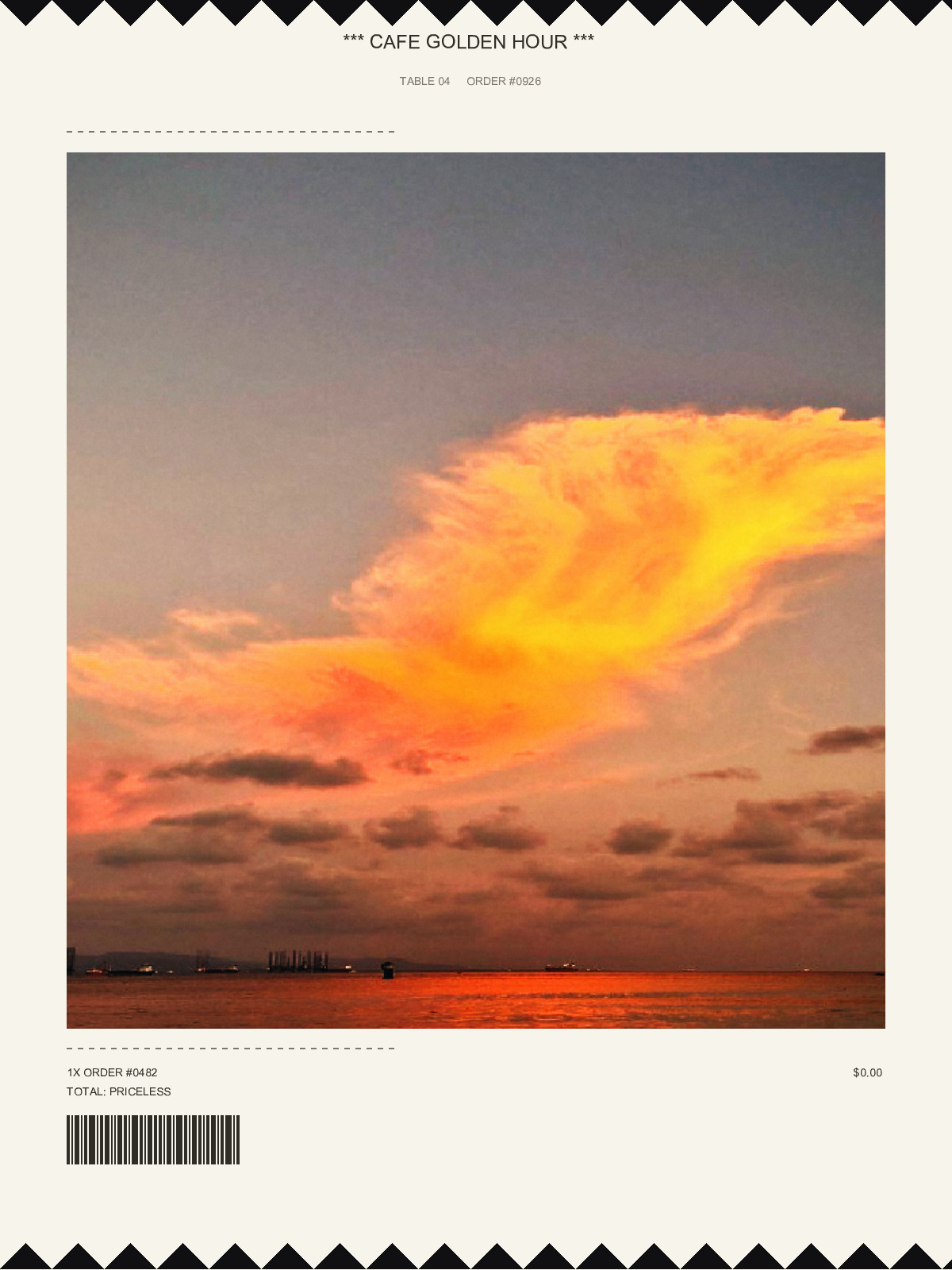
GoldenHour photo exported in the receipt print layout

Disposable camera look · Kodak Gold 200 look

Film date stamp vs timestamp apps

Timestamp camera apps add exact date, time and GPS for work records. GoldenHour's stamp is for nostalgia: the film-camera date style on photos that also look like film. If you need proof-of-time records, use a dedicated timestamp app.

FAQ

What format does the date stamp use?

Month, day and short year, like OCT 07 '26, in the style of 90s film cameras.

Which date does it print?

The date the photo was taken.

Does GoldenHour add a watermark?

No. Saved photos never carry a watermark. There's an optional, off-by-default toggle to add one when sharing from the in-app gallery.

DOWNLOAD GOLDENHOUR ON GOOGLE PLAY