How-to
In GoldenHour, start from a film look, adjust it in the Develop Lab (exposure, contrast, curve, temperature, saturation, film grain, halation, light leaks, vignette and subject pop), then save it to your Preset Vault and share it as a link.
▶ GET GOLDENHOUR ON GOOGLE PLAY| Slider | What it does |
|---|---|
| Exposure | Overall brightness. Many film shooters expose a little bright. |
| Contrast and Curve | How punchy or soft the tones are; the curve shapes shadows, midtones and highlights. |
| Temperature | Warmer (golden) or cooler (blue) color. |
| Saturation | Color intensity; drop it to zero for black and white. |
| Film Grain | Grain that follows brightness: strongest in midtones, lighter in highlights. |
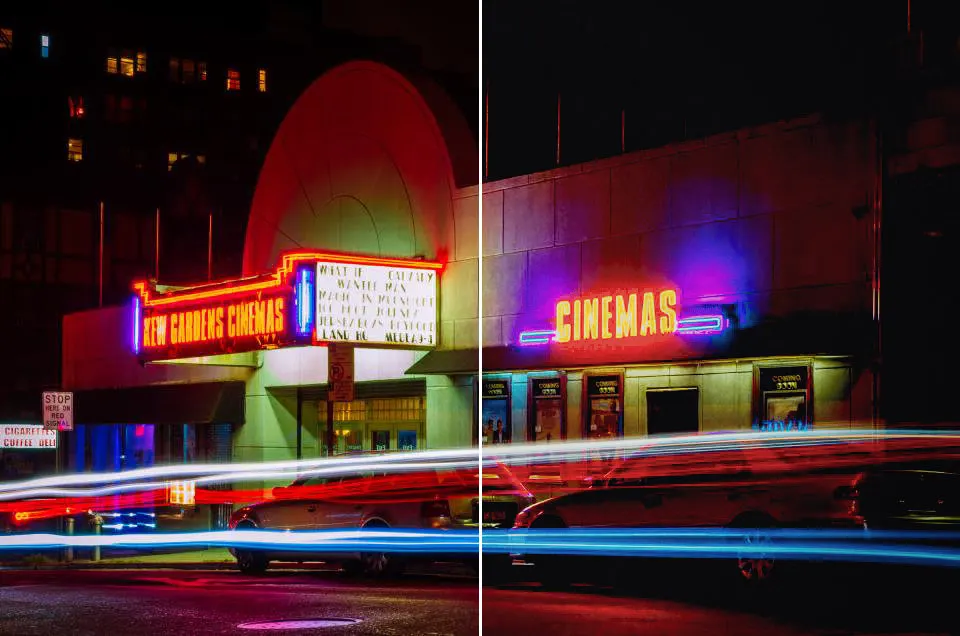
| Halation | A glow around bright lights, like CineStill at night. |
| Light Leaks | Warm streaks of light, like an old camera with a leaky back. |
| Vignette | Darkened corners that pull the eye to the center. |
| Subject Pop | Local contrast that separates your subject from the background. |

Free users can save 3 custom filters, starting from any free look. Pro unlocks every look as a starting point, all 50 films and unlimited custom filters. Saved photos never carry a watermark.
Questions & Answers
Three. GoldenHour Pro gives you unlimited custom filters.
Yes. Every custom filter can be shared as a link that opens it in GoldenHour.
No. Film processing happens on your phone; your photos are not uploaded to edit them.