Real renders
Before and after
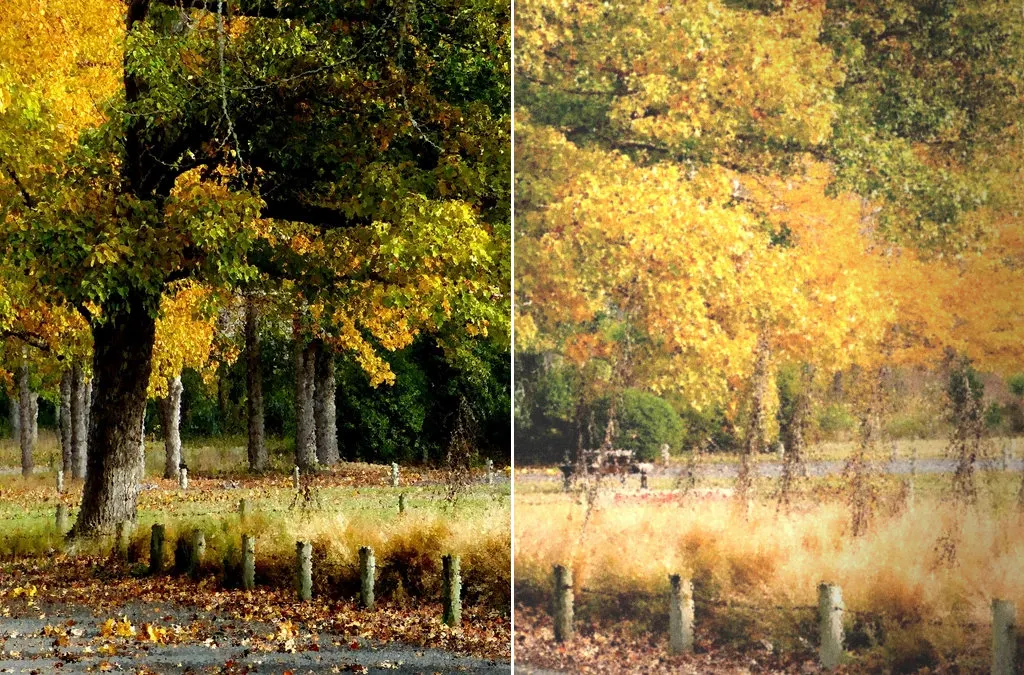
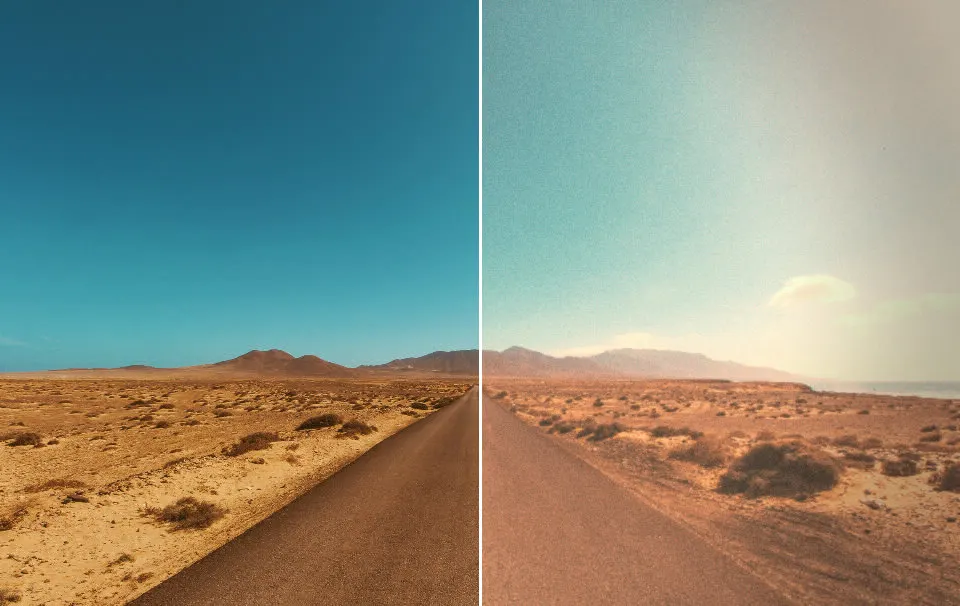
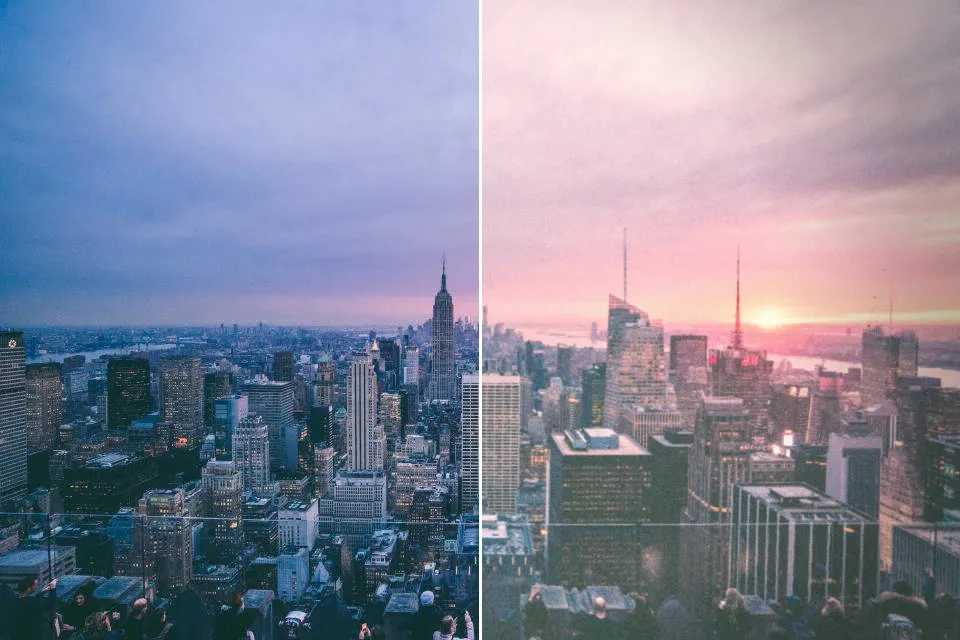
Each image went through GoldenHour's own film engine, the same one the app uses. Nothing here is a mockup.
Film Looks / Expired film
Pick the Expired Film look in GoldenHour. It simulates film shot past its date: faded colors, lifted blacks, a warm shift and heavier grain.
▶ GET GOLDENHOUR ON GOOGLE PLAYIncluded with GoldenHour Pro. · Processed on your phone
Pick the Expired Film look in GoldenHour. It simulates film shot past its date: faded colors, lifted blacks, a warm shift and heavier grain.
Best for: dreamy, nostalgic and moody shots.
Real renders
Each image went through GoldenHour's own film engine, the same one the app uses. Nothing here is a mockup.
Questions & Answers
As film ages its dyes and sensitivity degrade, giving faded colors, color shifts and more grain. GoldenHour emulates that digitally.
Included with GoldenHour Pro. GoldenHour itself is free to download, and saved photos never get a watermark.
Yes. Import any photo from your gallery and develop it with this film, or shoot through GoldenHour's live viewfinder.
Related: Kodak Gold 200 look · Kodak Tri-X 400 look · All film looks