Real renders
Before and after
Each image went through GoldenHour's own film engine, the same one the app uses. Nothing here is a mockup.
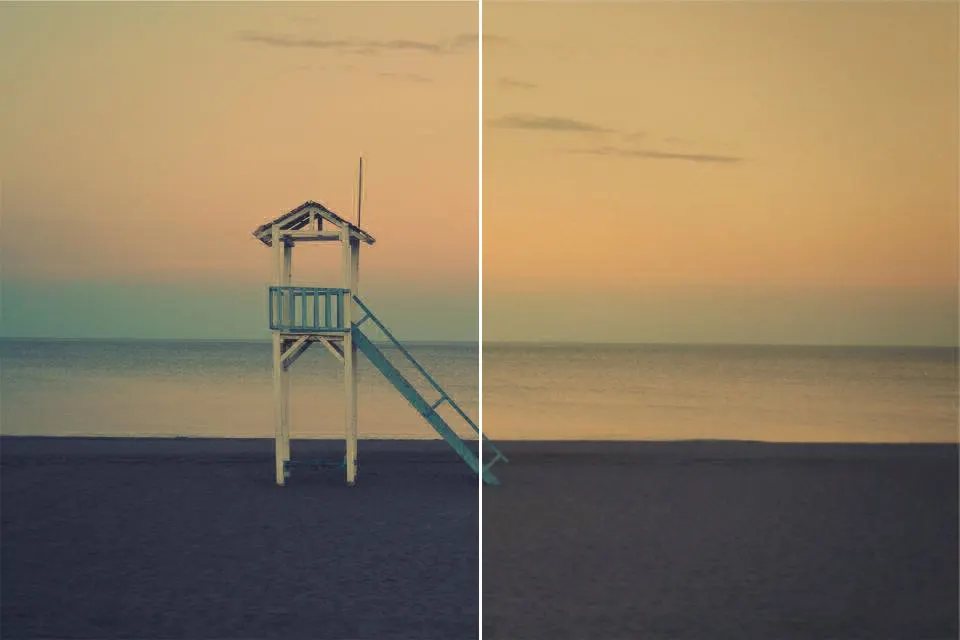

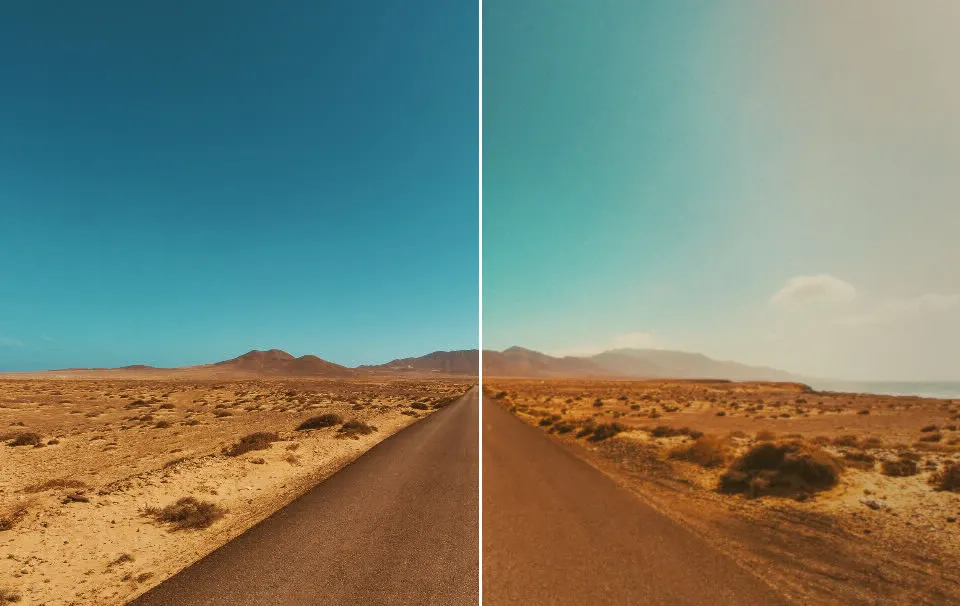
Film Looks / Kodak Portra 400
Open GoldenHour, pick the Kodak Portra 400 film and shoot, or import a photo from your gallery. It renders warm, natural skin tones, soft pastel contrast and fine grain on the phone, with no upload.
▶ GET GOLDENHOUR ON GOOGLE PLAYIncluded with GoldenHour Pro. · Processed on your phone
Open GoldenHour, pick the Kodak Portra 400 film and shoot, or import a photo from your gallery. It renders warm, natural skin tones, soft pastel contrast and fine grain on the phone, with no upload.
Best for: portraits, golden-hour light, travel and café shots.
Real renders
Each image went through GoldenHour's own film engine, the same one the app uses. Nothing here is a mockup.
Questions & Answers
No. It is a digital emulation inspired by Portra 400's color and grain. GoldenHour is not affiliated with Kodak.
Included with GoldenHour Pro. GoldenHour itself is free to download, and saved photos never get a watermark.
Yes. Import any photo from your gallery and develop it with this film, or shoot through GoldenHour's live viewfinder.
Related: Kodak Gold 200 look · Fuji Superia 400 look · All film looks